
Tab Manager
Google Chrome extension
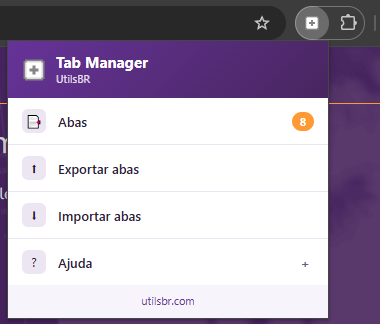
Manage the tabs of the current window, export sessions to JSON and import them back when needed — simple, lightweight and built for everyday use.
Utils
Google Chrome extension
Manage the tabs of the current window, export sessions to JSON and import them back when needed — simple, lightweight and built for everyday use.
View, focus and close tabs in the current window.
Save titles and URLs to a JSON file.
Reopen several tabs at once in the current window.
Everything runs locally in your browser.
tab-manager).Repository: PedroBortotti/tab-manager — full source code after final review. Profile: PedroBortotti.